Star Ratings Lie: The Five-Point Checklist We Use Instead in 2026
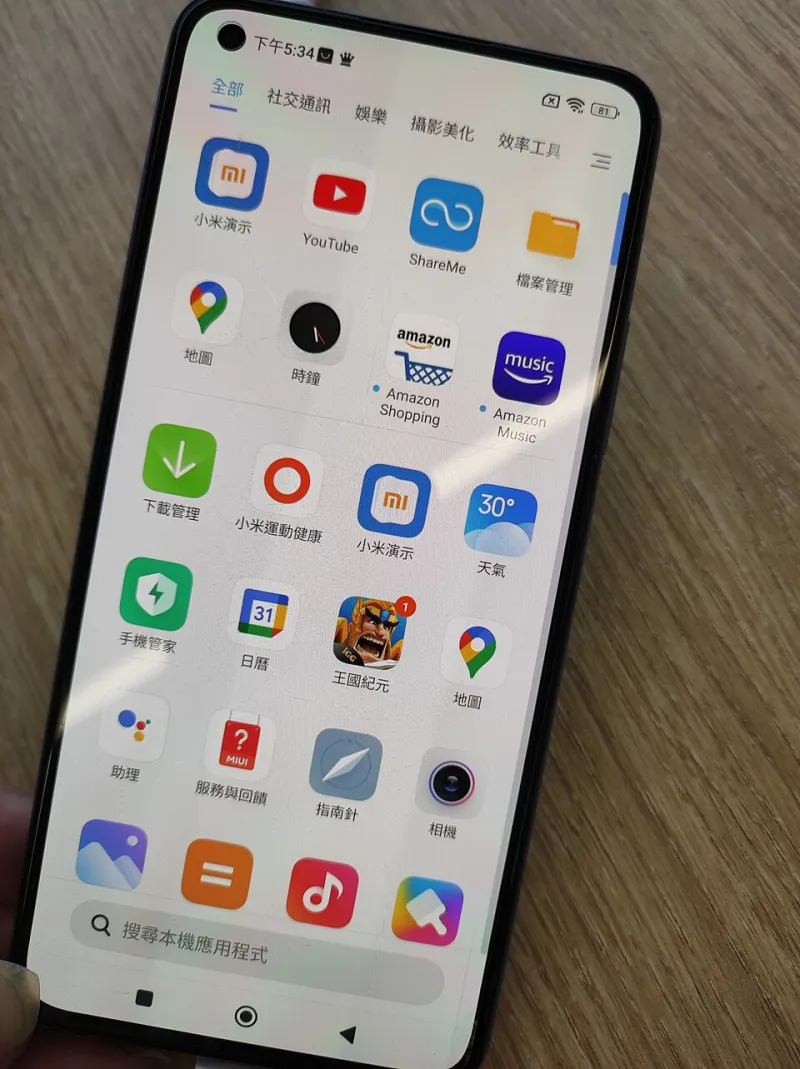
Photo: Mx12 MK M616, CC BY-SA 4.0, via Wikimedia Commons
Here is an uncomfortable fact about app shopping: the number you trust most is the least reliable thing on the page. A 4.8-star average is a lifetime score attached to a product that has probably been rewritten twice since those reviews were written. It tells you almost nothing about what you are about to install this afternoon.
We still read ratings. We just stopped letting them decide anything. What follows is the checklist we actually run at Appic Directory when we compare tools in the same category — five points, maybe fifteen minutes, and a much clearer picture than any star count.
Why the stars stopped meaning anything
Lifetime averages outlive the product. An app that pivoted from a note-taking tool to a project manager keeps every review from its previous life. The score is real. It is just describing a different app.
Incentives distort the sample. In-app prompts that appear right after a successful action — 'Enjoying this? Rate us!' — harvest praise at the exact moment people are happiest. The frustrated users who churned last month never got prompted, because they left.
Review bombing is a thing. Organized one-star campaigns over a pricing change or a culture-war dustup can bury the score in a weekend. So can the opposite: purchased five-star clusters with names like 'Good app' and no other history.
Charts measure spending, not quality. Top charts weigh downloads and revenue. A well-advertised mediocre app can sit above a brilliant one nobody has marketed.
Regional and version mixing. Some stores blend ratings across countries and app versions, so the score you see may be an average of experiences you will never have.
The ratings are not lying on purpose. They are just answering a different question than the one you are asking.
The five-point checklist
Score each point from 0 to 2. Anything under 6 out of 10 gets skipped.
1. Core-task fit (does it do the one thing, cleanly?)
Write down the single job you need done before you open the store. Then install the app and do that job with a real example — a real client invoice, a real grocery list, a real photo you actually need to send. Count the workarounds. If you have to export to a spreadsheet to get the output you needed, that is a 1, not a 2.
2. Data export (can you leave?)
This is the point most people skip and the one that matters most three years later. Before you invest a single note or photo in an app, find the export button and use it. Questions worth asking: what formats does it produce, is export hidden behind the paid tier, and does the export preserve structure or dump everything into one unreadable file?
An app that will not let you take your stuff out is not a tool. It is a hostage situation with a nice icon.
3. Permissions (does the ask match the job?)
A notes app does not need your contacts. A flashlight does not need your location. Open the app's privacy details in the store listing and compare the permission list against what the app actually does. Then check your phone's settings after installing — permissions granted at signup are easy to forget.
The permission footprint is also the fastest way to spot a clone: identical interface, wildly bigger data appetite.
4. Cross-platform consistency (does it behave the same everywhere?)
If you use more than one device, install the app on two platforms before committing. Look for feature parity — does the desktop version have the export option the mobile version hides? — and for sync behavior when you edit the same item offline on both.
Fragmentation is not always a dealbreaker. It is a dealbreaker when nobody told you about it before you paid.
5. Cancellation clarity (can you get out as easily as you got in?)
The most underrated comparison point in the entire app world. Find the cancel path before you start a trial. Is it two taps inside the app, or a support email? Does the store handle billing, or does the developer? Is the trial-to-paid conversion disclosed in the listing or buried in a modal at checkout?
If you cannot find the cancel button in under a minute, treat that as a design decision, because it is one.
Where star ratings still earn their keep
We are not saying ignore them entirely. Sort reviews by most recent, and read only the ones that mention the current version number. Look at whether the developer responds to complaints and whether those responses are actual answers or copy-paste. A changelog that ships every few weeks tells you more than 10,000 stars ever will.
The ten-minute version
If you only have ten minutes: install, do your real task once, try to export, glance at permissions, look for the cancel button. That is four of the five points, and it catches most of the traps.
The stars are a vibe. The checklist is evidence.